

Videos
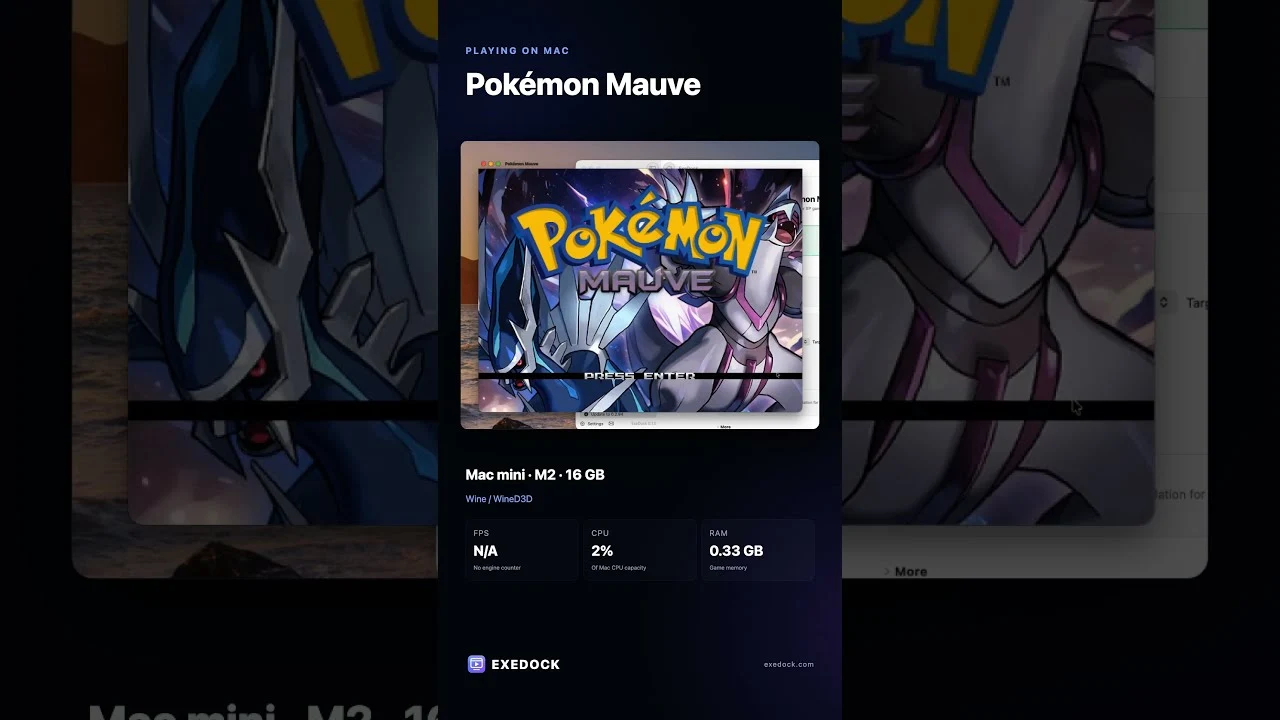
YouTube loads only after you press play.
Pokémon Mauve
Explore Ombrosia, take on quests and challenge trainers in this Pokémon fan game.
Verified by ExeDock
Tested by the ExeDock team; the recommended settings are applied automatically.
Tested by ExeDock
| Test Mac | Apple M2 |
|---|---|
| Memory | 16 GB |
| macOS version | macOS 27 |
| Game engine | RPG Maker XP |
| Compatibility mode | Native RPG Maker on Mac |
| Result | Launches; picture works |
| Last tested | 2026-10-22 |
Tested by players
| Players | 1 |
|---|---|
| Launch success | 100% |
| Players’ play time | 4.4 hours |
| Apple silicon | M5 |
| Memory | 16 GB |
| macOS version | macOS 26 |
| Last played | 2026-10-22 |
Added up automatically from anonymous play records, updated hourly.
Get the game Some are affiliate links
Patch
Provided by the game's publisher. Download it yourself from the official page and install it as instructed; ExeDock does not host it.
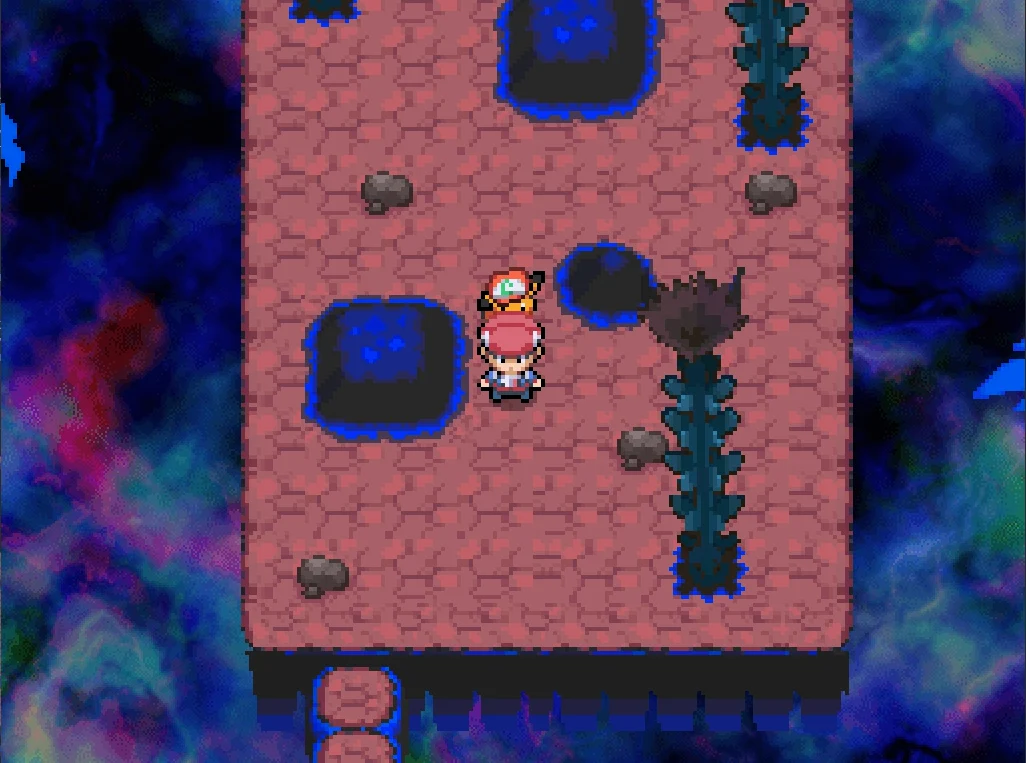
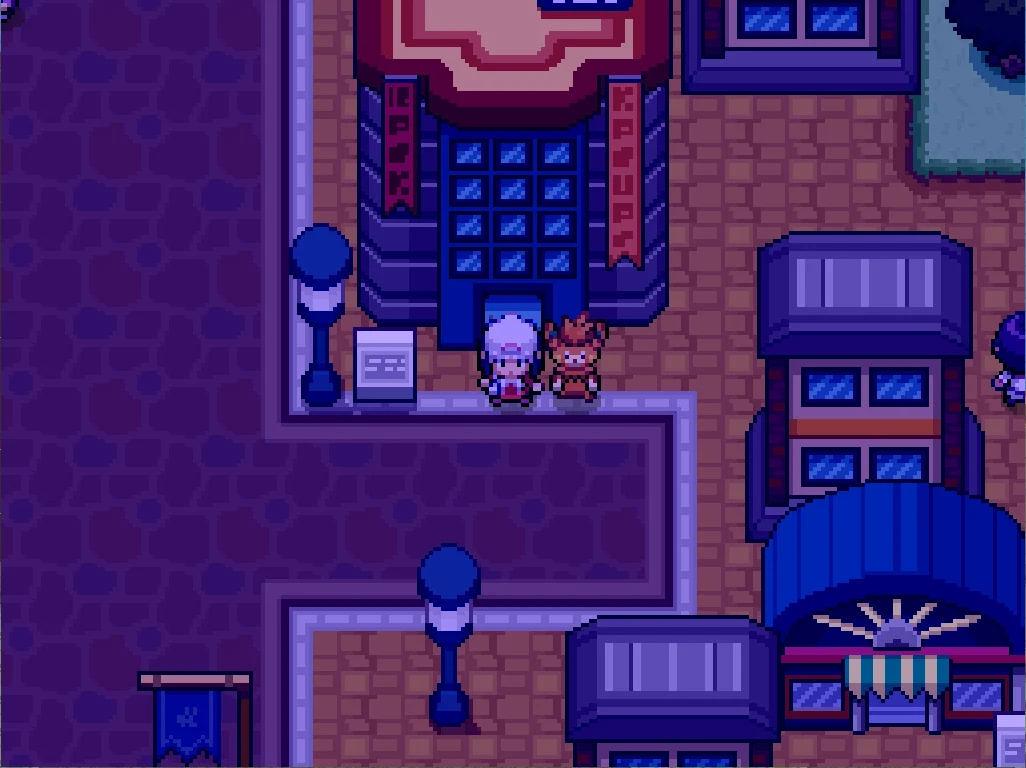
Pokémon: MAUVE is a fan-made role-playing game set in the region of Ombrosia. You play a young trainer from Havenbrook, exploring the region, pursuing its mysteries and facing teams that threaten it.
Can I play Pokémon Mauve on a Mac?
Yes. Pokémon Mauve is a Windows game that runs on Apple silicon Macs (M1 and later) with the free ExeDock launcher — status: Verified by ExeDock. The recommended settings are applied automatically; no virtual machine or manual Wine setup needed. Tested by ExeDock (Apple M2, 16 GB, macOS 27): Launches; picture works. 1 player has played it on Mac for 4.4 hours in total.
Can I play other RPG Maker XP games on Mac?
Usually, yes. Pokémon Mauve is made with RPG Maker XP, which ExeDock recognizes automatically; other RPG Maker XP games can be dragged into ExeDock and played with matching settings. Every game can differ, so check its page or simply try it.
Player community
No one has shared their experience yet. After playing with ExeDock, leave the first review or question on the game's page in the app.
Reviews, issue reports and replies all happen in the ExeDock app. No sign-up needed.