Your PC games,
on Apple silicon.
Play the Windows games you own on an Apple silicon Mac. Connect GOG or Epic Games, use Windows Steam, or import a game folder. ExeDock prepares compatibility settings; check each game’s test results before buying.
Free · macOS 14.0 or later · Apple silicon · Version 0.4.14 · Downloaded 1,427 times
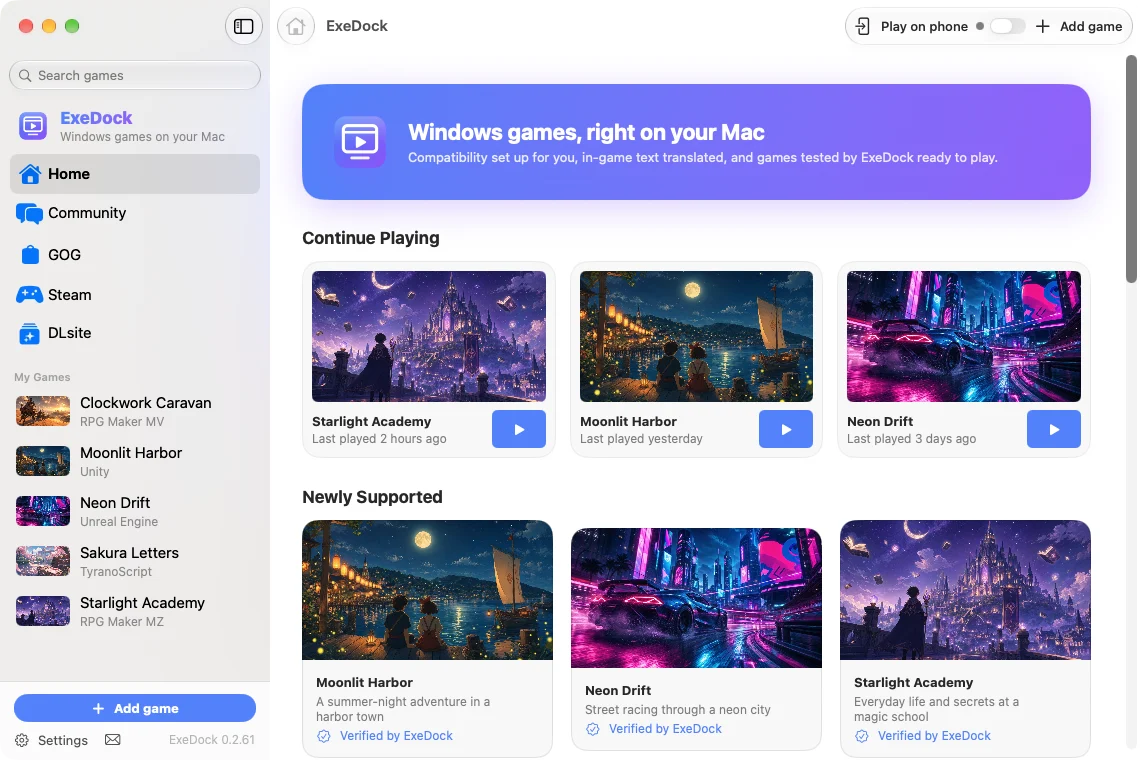
Built for Mac players
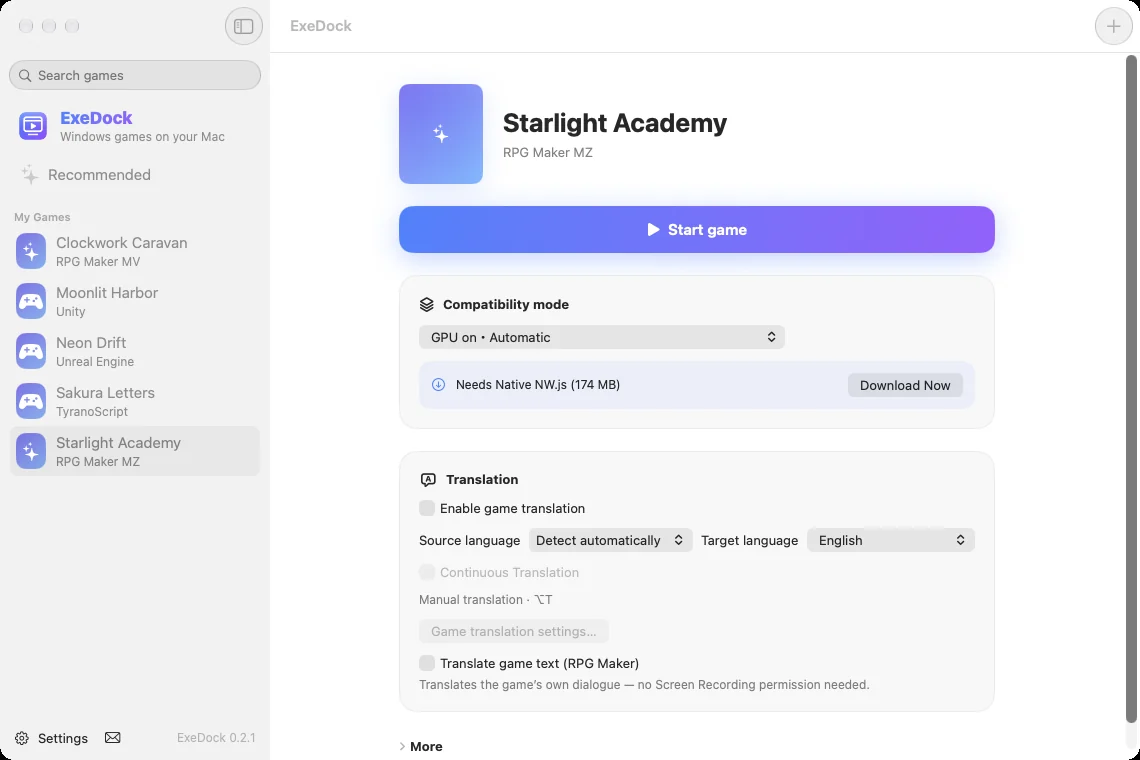
Add any game you own
Game folders, EXEs and ZIP/RAR/7z archives go straight in. Games and saves stay where they are, and each game gets its own environment.
Automatic setup
Wine, NW.js and graphics layers download the first time they’re needed, then get reused.
In-game translation
RPG Maker dialogue is translated directly; other games can use screen translation — all on your Mac.
ExeDock-tested settings
For games we’ve tested, apply settings with working picture and sound in one click.
Graphics acceleration
DXVK built in, plus Apple’s D3DMetal (bring your own) for smoother 3D games.
Free, nothing uploaded
Games and saves never leave your Mac. Anonymous play info can be turned off anytime.
Play Windows, GOG, Steam and Epic Games on Mac
Play the Windows games you own on an Apple silicon Mac. Connect GOG or Epic Games, use Windows Steam, or import a game folder. ExeDock prepares compatibility settings; check each game’s test results before buying.
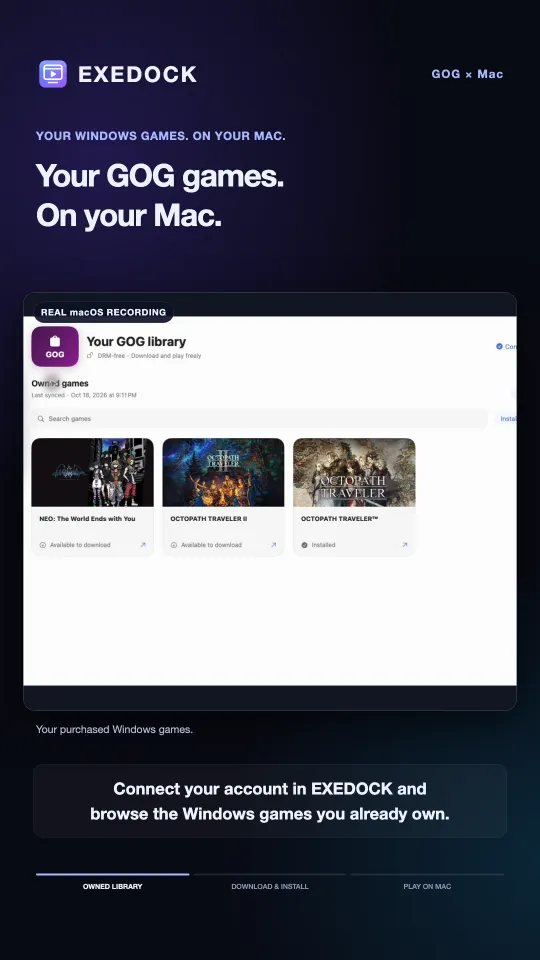 ▶
GOG
Sign in to GOG in ExeDock, then download and install the Windows installer of games you own. GOG games are DRM-free, so once installed they get compatibility modes, translation and Remote Play like any other game. Updates back up the old version first.
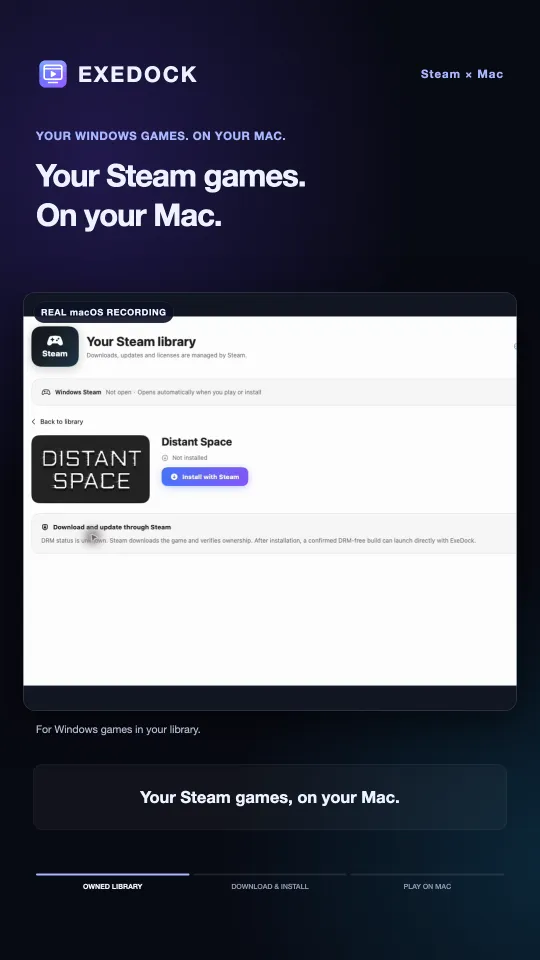 ▶
Steam
ExeDock installs the official Windows Steam in its own Windows environment. Sign in in Steam’s official window and your owned games appear. Steam handles downloads, updates and licenses; ExeDock never stores your password and never removes or bypasses DRM.
Epic Games
Sign in to Epic Games in ExeDock and your owned games appear with their covers. ExeDock downloads and assembles the game files itself and completes Epic’s check when a game starts, so you don’t need the Epic launcher. Downloads can be paused and continue where they stopped; updates only download the files that changed.
YouTube loads only after you press play. Open on YouTube
See Steam’s three ways to start a game → Wine 10 (Default) · Wine 11 · DRM-free, started directly
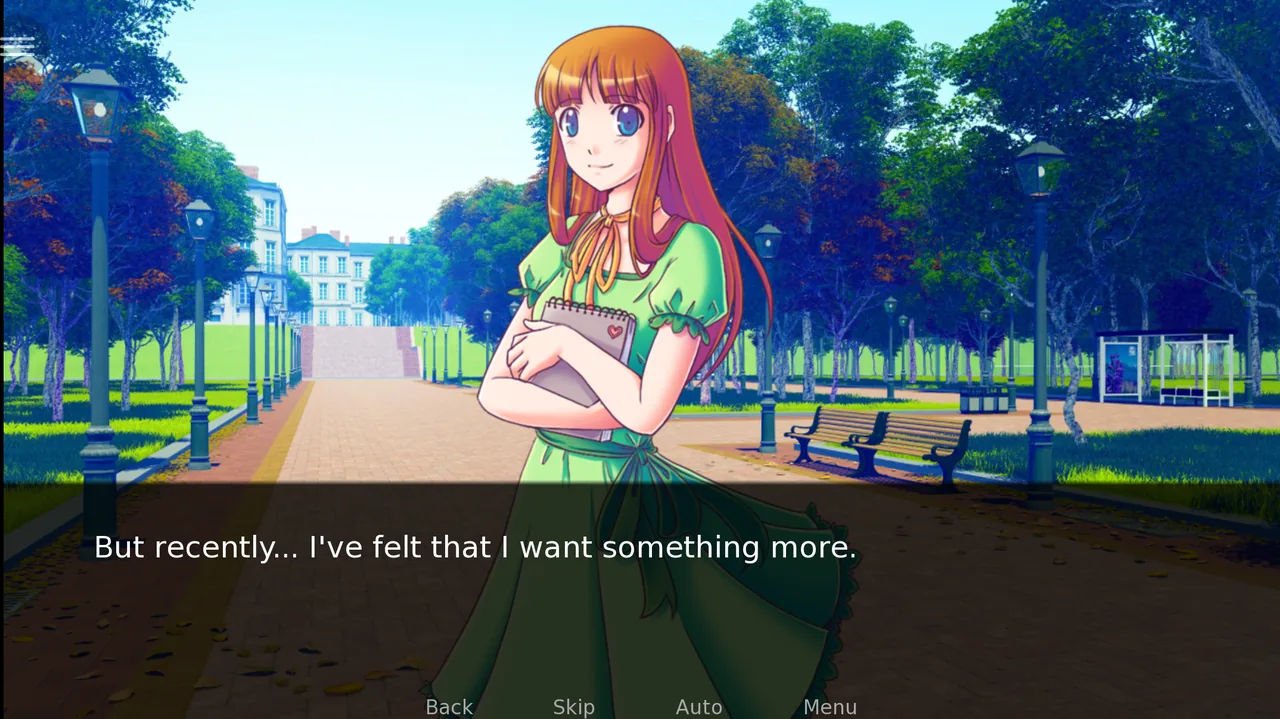
Dialogue you can read
In RPG Maker MV/MZ games, dialogue, choices and character names are translated and shown in the game’s own message window. Translated lines are remembered for next time.
Game assist: speed and values
Change the game’s speed 1–4× while you play; RPG Maker games can also change money, items, variables and switches, turn off encounters or walk through walls. Saves are backed up first.
Game speed
Visual Novel Reader
Read the visual novels you own on your phone or tablet, even offline. Auto mode, message log, save snapshots and on-device translation. You bring your own works.
Supported game systems
ExeDock detects the game engine and picks a suitable way to launch it.
Also recognized (not yet tested)
✓ means tested with real games.
Start playing in three steps
Drop in the game folder
ExeDock recognizes the engine and executable. Your game is never moved.
Pick a compatibility mode
Use the ExeDock-tested setting when there is one, or try the modes in order.
Play
The first launch prepares the environment; after that it’s one click.
Games that play on Mac
Tested by the ExeDock team, or played on Mac by many players.
Not just these: ExeDock supports many game engines — RPG Maker, Unity, Unreal, TyranoScript, KiriKiri, Ren'Py and more — so Windows games without recommended settings can be dragged into ExeDock and played too. This list shows games that are tested or have player data.

YUME NIKKI
Explore the strange dream worlds of Madotsuki in this surreal, freely paced adventure.
Mac ✓iOS ✓Android ✓Total 5 players · 1.8 hours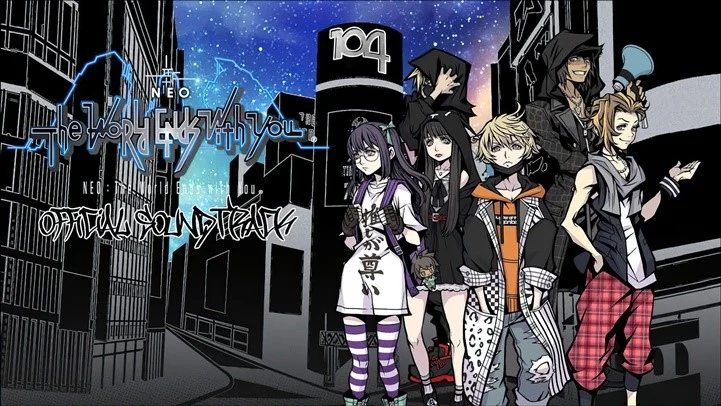
NEO: The World Ends with You
An action RPG set in Shibuya.
Mac ✓iOSAndroidTotal 1 players · 0.1 hours
Pokemon Anil
A fan-made RPG that revisits Kanto with a new story, expanded Pokémon roster, and multiple play modes.
Mac ✓iOSAndroidTotal 53 players · 451.3 hours
Octopath Traveler 2
A role-playing game with eight new travelers.
Mac ✓iOSAndroidTotal 1 players · 0.1 hours
Octopath Traveler
A role-playing game with eight travelers and eight stories.
Mac ✓iOSAndroidTotal 2 players · 0.5 hours
Beyond: Two Souls
A choice-led psychological thriller following Jodie Holmes and the mysterious entity linked to her.
Mac ✓iOSAndroidTotal 0.1 hoursFrequently asked questions
Can I play Octopath Traveler 2 on Mac?
Yes. Octopath Traveler 2 has verified Mac compatibility through ExeDock on Apple silicon. Use the game page to check the tested edition and settings. ExeDock runs the Windows edition; it is not an official Mac port.
How to run GOG games on Apple Silicon?
Install ExeDock, sign in to GOG inside the app, download a game you own and launch it with the recommended compatibility mode. Use an official Mac version when available; Windows game compatibility varies by title.
What is ExeDock?
ExeDock is a free game launcher for Mac that runs Windows games on Apple silicon Macs and sets up compatibility environments such as Wine and NW.js automatically.
Does it cost anything?
ExeDock is free. Some recommended games include store links; if you buy through them we may earn a commission at no extra cost to you.
Which Macs are supported?
A Mac with Apple silicon running macOS 14 or later: M1 or later, and A-series Macs such as MacBook Neo.
Which games are supported?
Many engines — RPG Maker (MV, MZ, VX Ace, VX, XP, 2000, 2003), TyranoScript, HTML5 (NW.js), Unity, Unreal Engine, WOLF RPG, KiriKiri, NScripter, Ren'Py, AliceSoft System 4, Artemis, GameMaker, YU-RIS, Entis GLS, codeX RScript, QLIE, CMVS, CatSystem2, SRPG Studio, NekoSDK, GSIWin, AdvHD, BSXX, LiLiM AOS, CROWD, Softpal, ARTLINK SystemC, Cyberworks C,system, Escu:de, Black Cyc, AGE System, SiglusEngine, BGI/Ethornell, Godot — and other Windows games. The recommended list shows games that are tested or have player data; games not listed can still be dragged into ExeDock and played, with compatible settings picked from the game engine. If a game already has an official Mac version (common for Ren'Py titles), use that first.
How does translation work?
For RPG Maker MV/MZ, turn on “Translate game text” to translate dialogue directly; for other games use “Translate current screen”. Translation uses macOS’s built-in translation on your Mac.
Are my games or saves uploaded?
No. Games, saves and screen content stay on your Mac. With anonymous play info on, only data such as the compatibility mode and play time is sent, and you can turn it off in Settings.